 2 surfaces
Thorson Tiles Experience Center
Step Inside. Explore Possibilities.
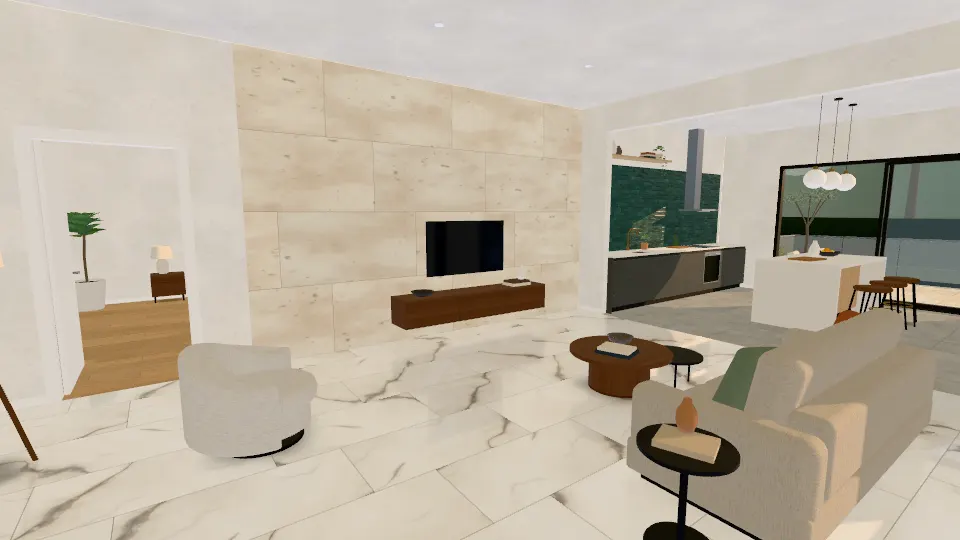
Walk through a 3D home and try tiles on floors, walls and outdoor areas, room by room. Compare options, save and share a design, then send it with a quote request.
- 6 rooms and an entrance
- 5 lighting presets
- No sign-up needed
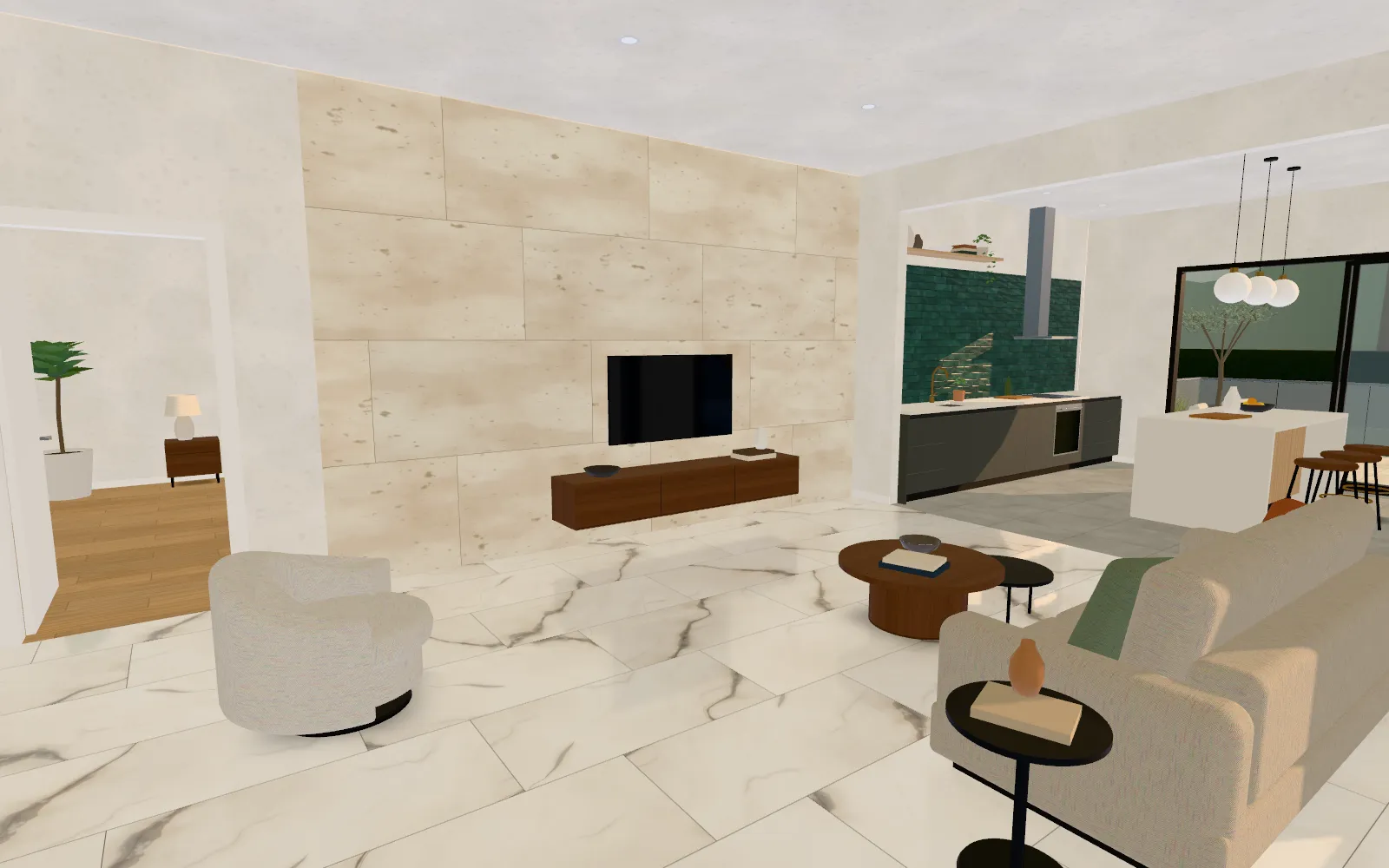
Illustrative render. Open the living room in 3D.
How it works
From a room to a quote in five steps
The Experience Center is a 3D home you can walk through in the browser. Every tile is drawn at its real size, with grout, on the surfaces it is listed for.
Choose a room
Start at the entrance, or go straight to the living room, kitchen, bedroom, bathroom, terrace or driveway.
Pick tiles for each surface
Select a floor or wall, then a tile. Only tiles listed for that surface appear, drawn at their real size.
Compare options
Put up to three tiles on the same surface and view them from the same angle, in the same light.
Save and share
Save designs in this browser, or share a link that reopens the same rooms, tiles and lighting.
Request a quote
Review your selection, then open the quote form with it filled in. Nothing is sent until you submit.
Rooms
Six rooms, each with its own guide
Each room guide has a live 2D preview, the tiles listed for every surface, and the points to check before you choose. Open any room in 3D from its card.
2 surfaces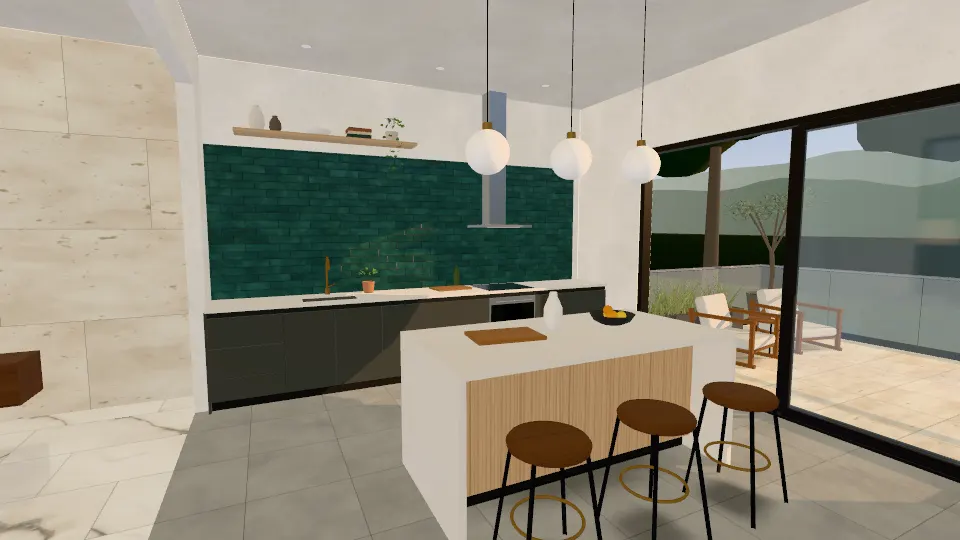 2 surfaces
 1 surface
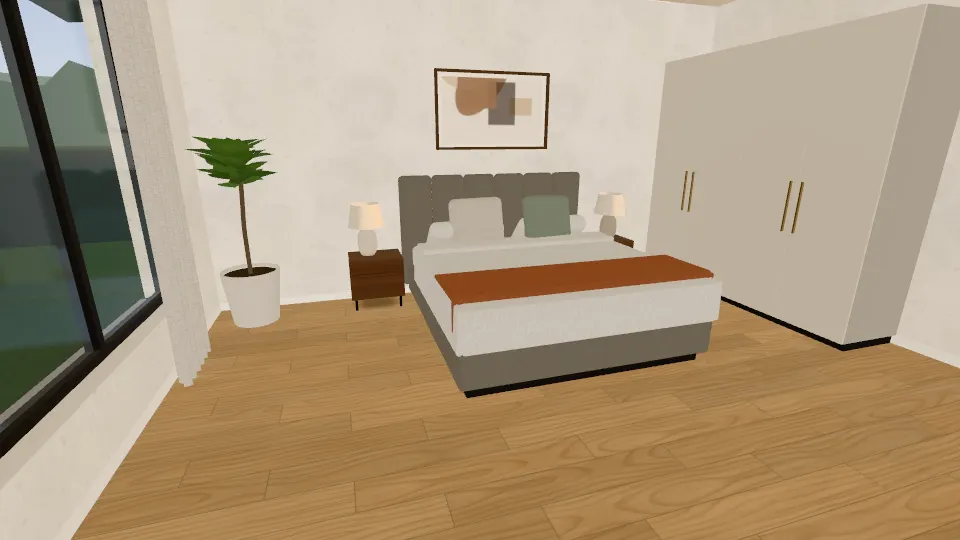
Master bedroom
A calm bedroom with one floor surface, warm light and plank or stone looks.
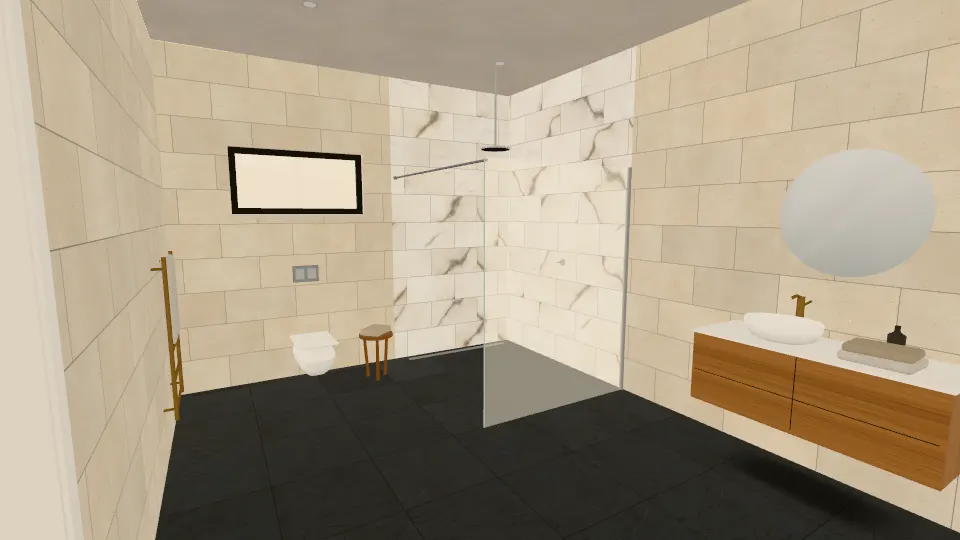 3 surfaces
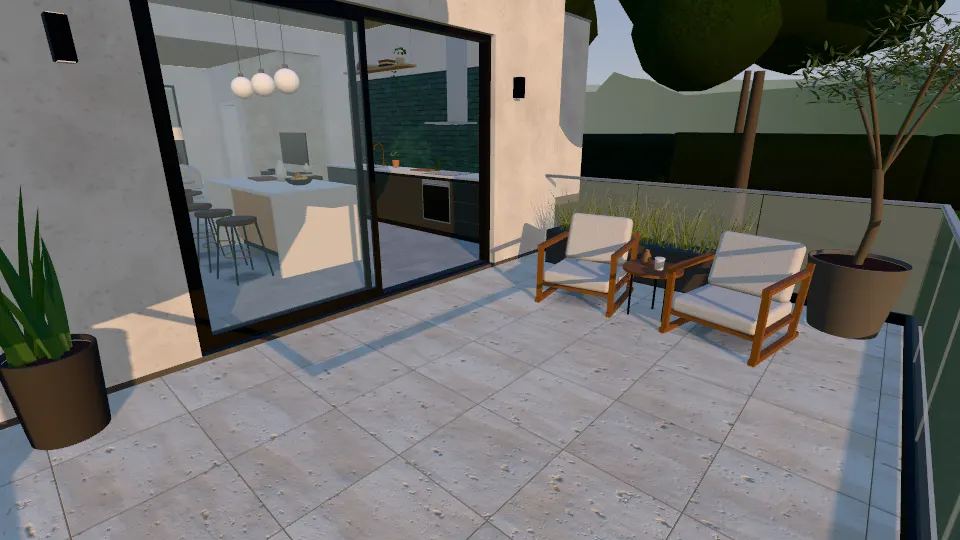 1 surface
Balcony and terrace
A terrace beyond the kitchen’s glass slider. Outdoor-listed tiles only.
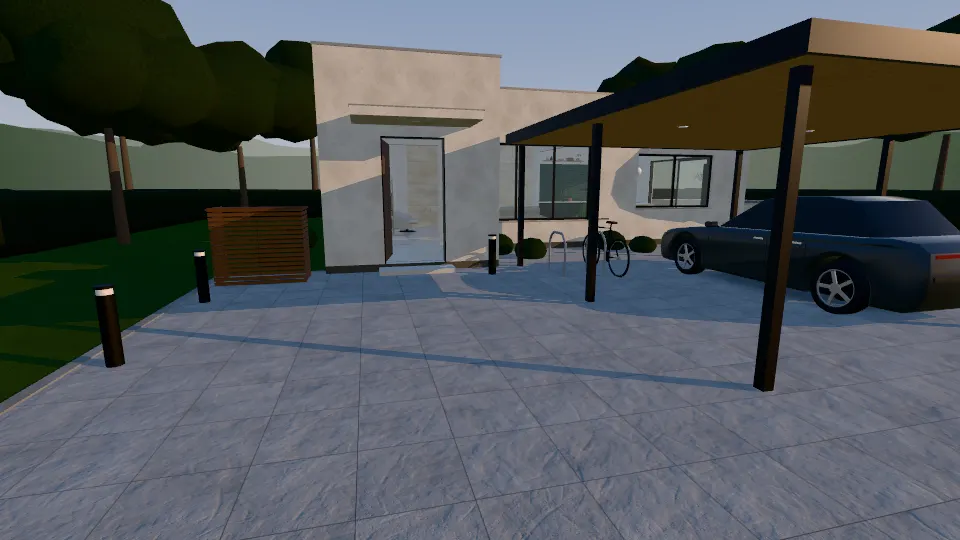 1 surface
Parking and driveway
A driveway and carport in front of the house. Vehicle loads must be verified.
Tools for buyers and distributors
Built for decisions, not just browsing
These tools live in the 3D home toolbar.
Compare
Up to three tiles on one surface, shown from the same camera angle and lighting, in split, slider or A/B view.
Design presets
6 curated looks, from Modern Luxury to Warm Earth Tones, applied to every surface at once. Undo takes you back to your own design.
Tile schedule
Every surface in your design with its tile, layout, grout and model area, ready to print or download as CSV. It opens in a new tab.
Presentation mode
A full-screen view for showroom and client meetings that steps through the rooms or the design presets.
Shortlist
Keep the tiles you like in a shortlist stored in this browser, export it as CSV, or request a quote for the whole list.
Share and samples
Send your team a link to the design, or ask for physical samples of the tiles in it from the same screen.
Roadmap
More environments are in development
The residential home is available now. Office, retail, hotel and outdoor commercial environments are planned to reuse the same engine and tile library. They are not available yet.
Phase 1 · available
LiveLuxury residential home
A sunlit single-storey home: entrance, living room, kitchen, master bedroom, bathroom, terrace and driveway.
Enter the homePhase 2
In developmentCorporate office
Reception, executive cabin, open workspace, conference room, corridor, cafeteria, restroom and entrance.
What is plannedPhase 2
In developmentShopping mall and retail
Entrance, atrium, retail corridor, luxury boutique, restaurant area, restrooms and escalator surroundings.
What is plannedPhase 2
In developmentHotel and hospitality
Grand lobby, reception, guest room, bathroom, restaurant, corridor, poolside and terrace.
What is plannedPhase 2
In developmentOutdoor and commercial exteriors
Building entrance, walkway, garden path, rooftop, parking, restaurant patio and plaza.
What is plannedQuestions
What the Experience Center can and cannot tell you
Illustrative visualization. Colours, sheen and texture on screen differ from real tiles and vary between production batches. Approve physical samples before ordering.
Are the colours on screen accurate?
No screen shows a tile exactly. Colour, sheen and texture depend on your display and lighting, and real tiles vary between production batches. Use the Experience Center to judge pattern, scale and combinations, and approve physical samples before you order.
Are the tiles real products?
The tiles shown are demonstration records that illustrate the kinds of tiles we source. Each carries a product ID rather than a SKU. Availability, sizes and specifications are confirmed at quotation.
Does it show slip resistance or other technical ratings?
No. Slip resistance, water absorption, frost resistance and load ratings are not listed for the demonstration products. Where a room needs one of these properties, the tile carries a note to verify it. Confirm the technical specification for your project at quotation.
Can I get samples before I commit?
Yes. Request samples of the tiles in your design from the 3D home, or mention them in the quote form. Approve physical samples before placing any order.
Is my design saved?
Saved designs and your shortlist are kept in this browser, on this device only. To keep a design elsewhere or send it to someone, use Share: the link reopens the same rooms, tiles and lighting.
What if 3D does not run on my device?
The 3D home adjusts its quality to your device. If 3D graphics are not available, a 2D preview of each room loads instead, and the room guides linked on this page work in any modern browser.
Can I explore offices, hotels or shops?
Not yet. Office, retail, hotel and outdoor commercial environments are in development. Today you can explore the residential home, and request a quote for a commercial project through the quote form.
Found a combination you like?
Send it with a quote request. Availability, specifications and lead time are confirmed at quotation, and you can ask for physical samples before ordering.